Start with the problem you’re solving
You want dozens — maybe hundreds — of screens that behave the same way, look right in the space, and don’t turn into a maintenance headache. That means talking product and process early: screen size, mounting, audio, firmware access, and lead times. If you want a clean path from decision to delivery, ask a tv manufacturer about batch firmware versions and commercial warranties before you lock anything in.
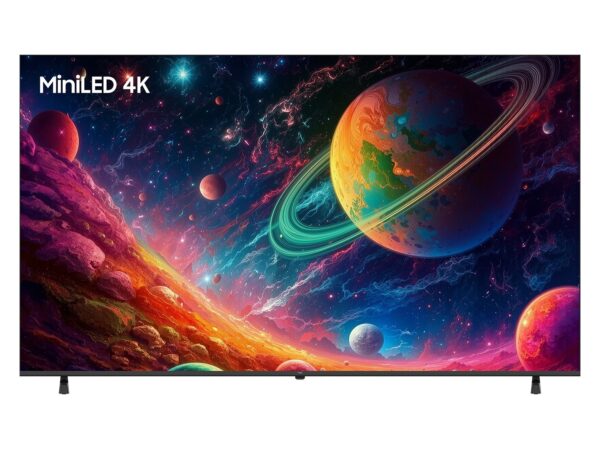
Real-world experience and what to trust
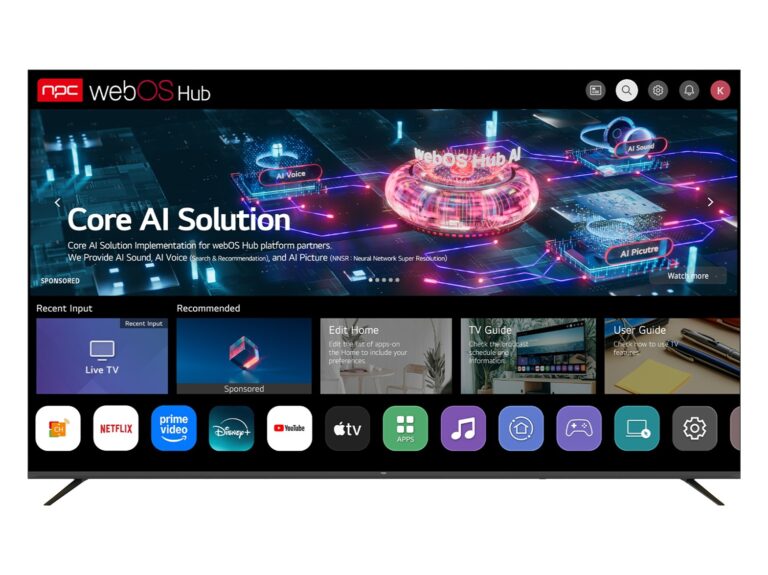
As someone who’s specified displays for retail rollouts and office fleets for years, I value clear demos and predictable firmware. I evaluated webOS demonstrations at CES in Las Vegas and then tested a webos smart tv to see how its signage mode, remote management, and update behavior actually worked under load. Those on-floor tests are where specs meet reality; prioritize them when you can.
Essential specs to lock down first
Choose the basics by priority: exact screen size and visible bezel, native resolution, peak and sustained brightness (nits), and panel type (VA for contrast, IPS for wide viewing). Confirm the input mix — HDMI versions, DisplayPort, RS-232 or LAN for control — and whether the OS supports remote device management or signage APIs. Specify environmental ratings if screens go outside or into bright atriums. Spell out manufacturer minimum order quantities, lead times, and spare-part availability in the contract.
OS and firmware: what to require
Don’t assume consumer firmware is fine for continuous commercial use. Require an OS image that supports remote updates, single-app lockdown, and centralized logs. Ask for a firmware freeze window before shipment so all units arrive on the same build. If you need custom apps or content scheduling, confirm SDK availability and whether the vendor will sign firmware with your certificate or lock it to their servers.
Operational items that break projects
Common mistakes: treating consumer TVs like commercial displays, skipping power-usage checks for large deployments, ignoring mounting clearances, and missing local certifications. Don’t forget audio routing and mic/IR sensor placement if kiosks need them. Require a test unit early so you can validate mounting, remote provisioning, and image retention over a week of continuous use.
Alternatives and trade-offs
If webOS features fit your workflow, great. If not, compare the OS against Android TV/Google TV and Tizen for app ecosystem and MDM compatibility. Android often offers broader app support and custom app deployment; Tizen can be tight on manufacturer control; webOS tends to be snappy and simple for signage. Pick the OS that maps to your content workflow, not the one with the loudest marketing.
Wrap-up — what to include in the spec sheet
Deliverables: exact model numbers, firmware build to ship, mounting template, power draw per device, control interfaces, warranty terms for commercial use, spare-part list, and supplier lead-time commitments. When the spec lines up with procurement and installation realities, you reduce surprises. For consistent supply and clearer firmware commitments, work with partners who document those items clearly — like npc — so your rollout hits the schedule and stays manageable.